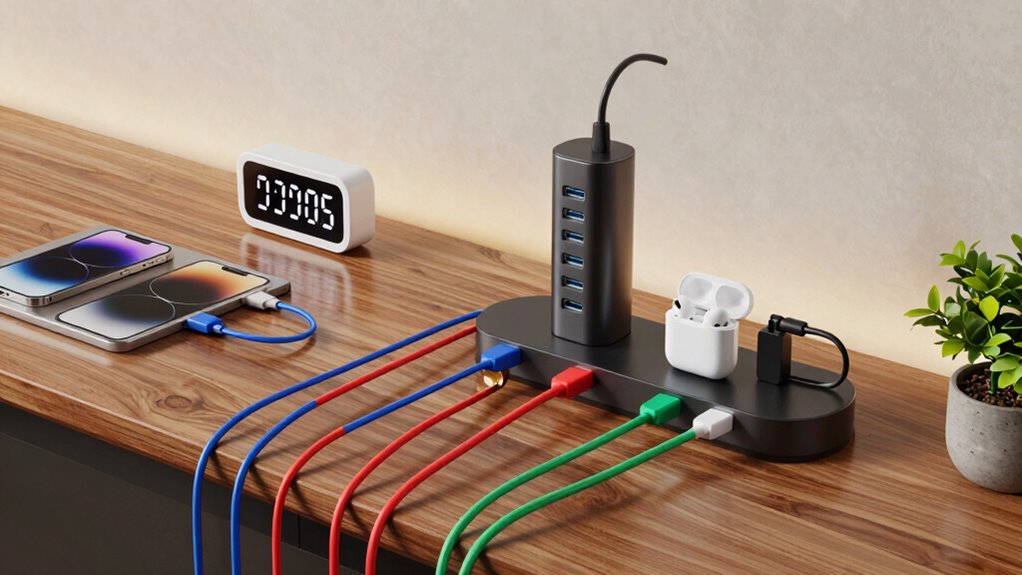

To build a better charging rotation for your essential devices, prioritize planning based on usage and importance. Schedule regular charges, avoiding full discharges and limiting charging to 80-90% to extend battery life. Use quality chargers, switch to energy-saving modes, and keep devices in moderate temperatures. Check device performance periodically to adjust your routine as needed. Implementing these strategies can keep your devices ready and prolong battery health — and there’s more to discover below.

Get emergency and outdoor gear delivered free — and shop member deals
- Fast, free delivery on millions of items
- Access to Prime Big Deal Days deals on October 6–7
- Prime Video, Amazon Music and more included
Key Takeaways
- Prioritize charging critical devices during peak usage times and keep secondary devices charged as backup.
- Track each device’s battery health and cycle count to schedule timely recharging and prevent overuse.
- Use timers or smart plugs to automate charging, avoiding overcharging and maintaining optimal battery levels.
- Alternate charging between devices to distribute wear evenly and extend overall battery lifespan.
- Regularly review and adjust your charging plan based on changing device importance and usage patterns.
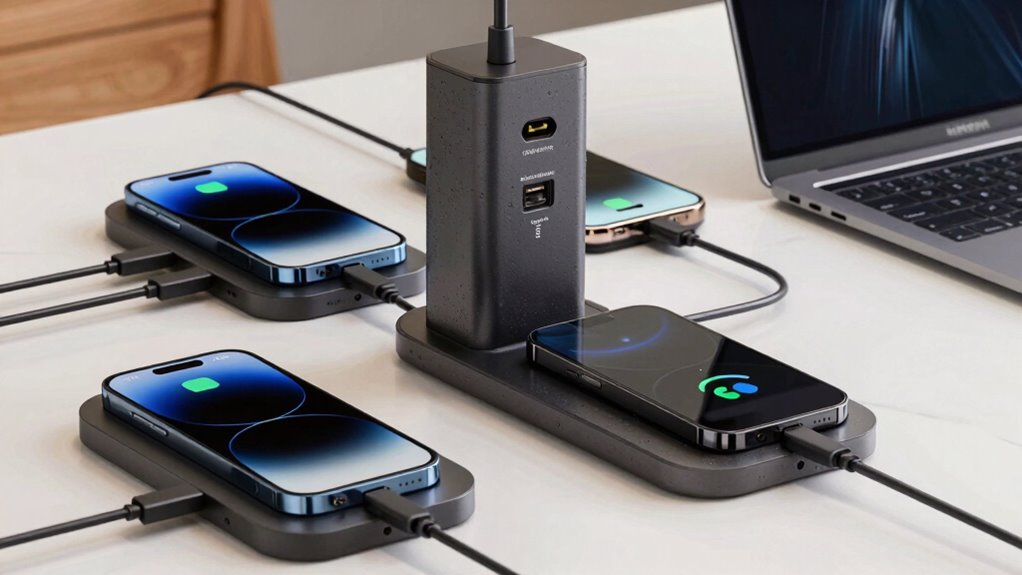
Managing multiple essential devices can quickly become chaotic, especially when batteries run low at inconvenient times. To stay ahead of that hassle, you need a well-organized charging rotation. This isn’t just about plugging in devices randomly; it’s about maximizing battery lifespan and energy efficiency while guaranteeing your most critical gadgets are always ready to go. When you plan your charging strategy carefully, you avoid unnecessary wear on batteries and reduce energy waste, both of which save you time and money in the long run.
A smart charging plan keeps devices ready, extends battery life, and saves energy—avoiding chaos and unnecessary wear.
Start by evaluating the battery health and charging needs of each device. Some gadgets, like smartphones, typically have a battery lifespan of about 2-3 years with proper care, while others, such as tablets or portable power banks, may last longer or shorter depending on usage. Knowing this helps you prioritize which batteries to charge first or more frequently. It’s also smart to keep track of your devices’ charging cycles because excessive charging can degrade battery capacity over time. Limiting charging to around 80-90% and avoiding complete discharges can extend battery lifespan and maintain peak energy efficiency.
Next, create a charging schedule based on your daily routines and device importance. For example, charge your phone overnight so it’s ready in the morning, but reserve daytime charges for devices you use more frequently. Use timers or smart plugs to automate charging, which prevents overcharging and reduces energy waste. When you’re not actively using a device, unplug it or switch it to power-saving mode. This prevents unnecessary energy drain and helps maintain your device’s overall energy efficiency. Additionally, understanding battery lifespan and how to optimize it can significantly impact your device’s longevity. Incorporating battery management strategies can help you make smarter decisions about charging habits. Being aware of proper charging techniques and how they influence battery health can further enhance your device’s overall health and lifespan. Regularly checking your device’s charging efficiency can help you identify when equipment or habits need adjustment for optimal performance.
Another key step is to invest in quality chargers and cables. They deliver power more efficiently, meaning less energy is wasted as heat, and they’re gentler on your batteries. Fast chargers are convenient, but using them excessively can accelerate battery wear. So, balance quick charges with slower, more gentle ones to prolong battery health. Also, avoid charging devices in extreme temperatures—heat and cold can impair battery performance and shorten lifespan. Regularly keeping track of your charging habits and device performance can help you identify patterns that may require adjustment.
Finally, establish a routine to review and update your charging plan regularly. As your device usage changes, so should your approach to charging. Keeping a consistent, mindful rotation reduces the risk of battery degradation and energy inefficiency. By staying organized and proactive, you ensure your essential devices stay charged, reliable, and efficient for as long as possible. This way, you won’t be caught off guard when you need your devices most, and you’ll extend their overall battery lifespan while conserving energy.
smart plug with timer for charging devices
As an affiliate, we earn on qualifying purchases.
As an affiliate, we earn on qualifying purchases.
Frequently Asked Questions
What Types of Chargers Are Most Reliable for Daily Use?
For daily use, you want reliable chargers like wireless charging pads and fast chargers. Wireless chargers eliminate cable wear and make topping up easy, especially at your desk or bedside. Fast chargers ensure your devices power up quickly when you’re in a rush. Look for reputable brands with good safety ratings to prevent damage. Combining wireless charging for convenience and fast chargers for efficiency gives you a dependable setup for everyday needs.
How Often Should I Replace My Charging Cables?
You should replace your charging cables whenever you notice signs of wear, like frayed insulation or loose connectors, to guarantee safety and peak performance. Generally, considering cable durability and replacement frequency, most cables last about a year with regular use. If your cable shows visible damage or isn’t charging properly, it’s time for a new one. Regularly inspecting your cables helps prevent potential damage to your devices and keeps your charging setup dependable.
Can Charging Rotations Improve Device Battery Lifespan?
Imagine your device’s battery as a delicate dance partner, and a proper charging rotation keeps the rhythm steady. Yes, it can improve your battery’s lifespan by preventing overuse. Regularly calibrate your battery and practice smart power management to avoid unnecessary wear. This balanced approach reduces strain, helping your device hold a charge longer and perform better over time. A well-maintained rotation preserves your device’s health and longevity.
What Are the Signs of a Failing Charger or Port?
You’ll notice signs of a failing charger or port if your device charges slowly, disconnects frequently, or shows inconsistent power levels. Charging safety is essential, so avoid using damaged chargers or ports. Regular port maintenance helps prevent issues, like dust or debris blocking connections. If you see frayed cables, burning smells, or unstable charging, replace the charger or have the port inspected to prevent further damage.
How Do I Organize Multiple Charging Devices Efficiently?
You should organize multiple charging devices efficiently by using designated device storage areas, keeping each device in a specific spot. Incorporate cable management tools like clips or sleeves to prevent tangles and keep cords neat. Label chargers for quick identification and consider a charging station with multiple ports. This setup helps you access devices quickly, reduces clutter, and guarantees your cables and devices stay in good condition.
As an affiliate, we earn on qualifying purchases.
Conclusion
By establishing a thoughtful charging rotation, you create a well-orchestrated symphony of your essential devices, ensuring they’re always ready when you need them most. Think of it as tending a delicate garden—consistent care keeps everything thriving. Keep track of your devices, prioritize their importance, and schedule regular charging sessions. With a little planning, you’ll turn chaos into harmony, allowing your devices to perform like a finely tuned orchestra, always in sync and ready to serve.
battery capacity tester for smartphones
As an affiliate, we earn on qualifying purchases.
As an affiliate, we earn on qualifying purchases.
As an affiliate, we earn on qualifying purchases.
Fall Picks
fall essentials
As an affiliate, we earn on qualifying purchases.