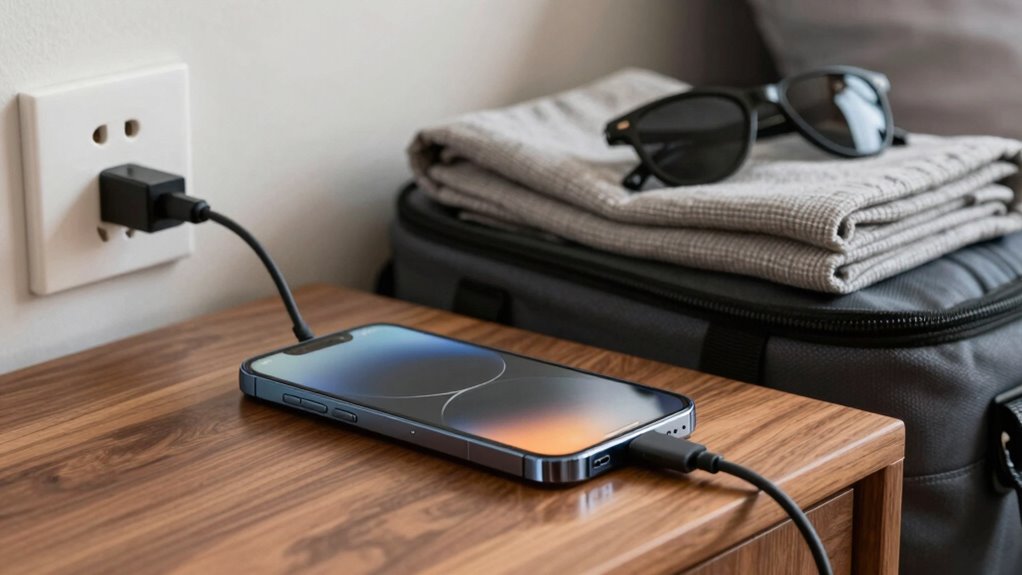

To prevent charging mistakes that can ruin your trip, always use the original or certified chargers and handle them carefully. Keep your device’s battery between 20% and 80%, avoiding deep discharges or overcharging. Charge in cool, dry environments, and unplug once your device reaches 100%. Carry a portable power bank for convenience and safety, especially outdoors. By following these habits, you’ll avoid potential problems and stay connected. If you want to learn more, keep exploring the best ways to protect your device.
Key Takeaways
- Use certified chargers and avoid cheap, unbranded options to prevent damage during travel.
- Keep batteries between 20%-80% charge and avoid deep discharges to prolong lifespan.
- Charge devices in cool, shaded environments to prevent overheating and capacity loss.
- Carry portable power banks and use them responsibly to maintain power on the go.
- Unplug devices promptly after reaching full charge to prevent overcharging and heat buildup.
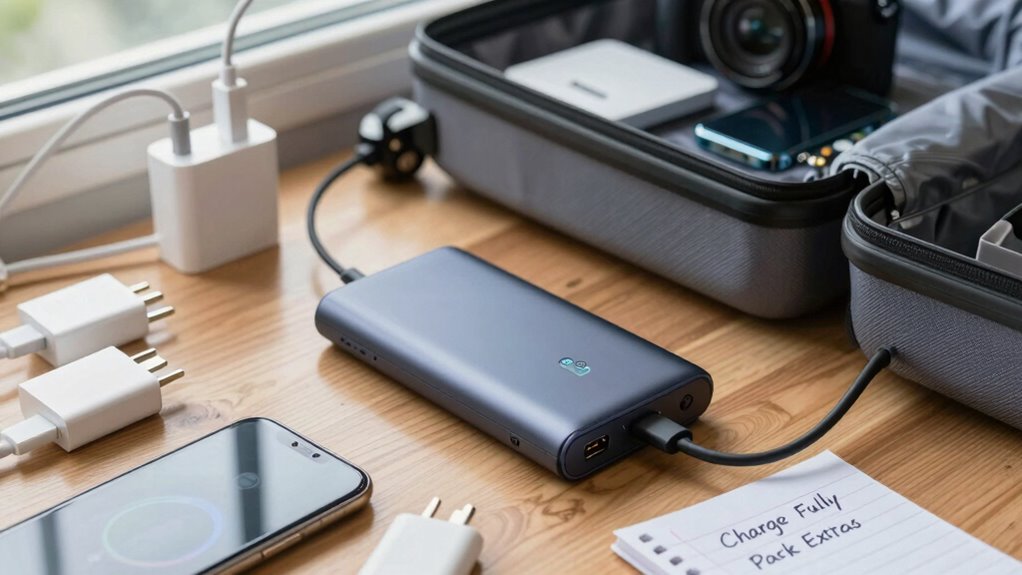
Charging mistakes can happen quickly if you’re not careful, but the good news is that most errors are easily preventable. When you’re on a trip, your device’s battery safety should be a top priority. Overcharging, using incompatible chargers, or neglecting proper charging practices can damage your battery and leave you without essential tools when you need them most. To avoid this, always use the charger that came with your device or a certified alternative. Cheap, unbranded chargers might seem tempting, but they often lack the safety features necessary to protect your device’s battery from power surges or overheating. Remember, proper charging etiquette extends beyond just plugging in your device; it includes handling your charger carefully, avoiding frayed cables, and not forcing connectors into ports. This helps prevent damage to the charging port and ensures your device charges efficiently.
Being mindful of battery safety also means not letting your battery drain completely before charging. Lithium-ion batteries perform best when kept between 20% and 80% charge. Constantly letting your battery dip to zero can reduce its lifespan, which is especially frustrating when you’re traveling and rely heavily on your device. Additionally, avoid exposing your device to extreme temperatures while charging. Heat can accelerate battery degradation, and cold can temporarily reduce battery capacity, leaving you with a dead device at inconvenient times. If you’re charging outdoors or in a hot environment, try to find shade or a cooler place to prevent overheating. Properly maintaining your device’s battery health can also be supported by using air purifiers to keep indoor air quality optimal, reducing dust and pollutants that may affect your device’s performance. Keeping your device in a temperature-controlled environment can further help to preserve battery health during charging. Being aware of the cultural significance of your device’s battery safety is also important, as neglecting proper practices can lead to unnecessary damage, much like the importance of cultural artifacts in Indonesian decor. Recognizing the importance of power management can help you implement smarter charging habits and extend your device’s lifespan further.
Practicing good charging etiquette isn’t just about safety; it’s also about being considerate of your device’s health and longevity. Don’t leave your device plugged in for hours after it reaches 100%, as this can lead to overcharging and heat buildup. Many modern devices have built-in safeguards to stop charging once full, but it’s still a good habit to unplug when you’re done. Carrying a portable power bank can help you maintain good charging etiquette on the go, ensuring you have power when needed without constantly relying on wall outlets. Additionally, understanding battery management can help you better optimize your device’s charging habits and extend its overall lifespan. Also, make sure your charging area is clean and dry to avoid accidental short circuits or damage from moisture.

PISEN 10000mAh 3C Power Bank – 10000mAh 22.5W CCC Certified Power Bank, Travel Battery Pack 3C Portable Charger, PD QC LED Display Travel Portable Charger 2USB-A, 1USB-C for iPhone, Samsung and More
PD3.0 & QC3.0 22.5W Fast Charging Power Bank: PISEN 10000mAh 3C certified portable charger combines advanced PD3.0 &…
As an affiliate, we earn on qualifying purchases.
As an affiliate, we earn on qualifying purchases.
Frequently Asked Questions
Can Using Third-Party Chargers Damage My Device During Travel?
Using third-party chargers can damage your device if they don’t meet battery safety standards, risking overheating or short circuits. Always check for quality certifications before plugging in. Follow good charging etiquette by avoiding frequent, unnecessary charging and using the original or certified chargers. This helps preserve your battery’s health during travel, preventing potential device damage and ensuring your trip isn’t disrupted by avoidable charging mishaps.
How Do I Recognize a Faulty Charging Cable or Adapter?
Did you know that over 60% of device malfunctions are caused by faulty charging gear? To recognize a faulty cable or adapter, look for visible damage like frayed wires, bent connectors, or scorch marks. Use charging safety by avoiding exposed wires, and regularly inspect your cables. Proper cable maintenance guarantees safe, efficient charging, preventing unexpected device failures during your trip. Trust your instincts—if it looks or feels off, replace it.
Is It Better to Keep My Device Charged or Discharged During Travel?
It’s better to keep your device charged during travel to support battery preservation and effective power management. Maintaining your battery between 20% and 80% helps extend its lifespan and prevents unnecessary strain. Avoid letting it drain completely or stay fully charged for long periods. Regular, moderate charging ensures your device stays reliable, especially on the go. This way, you optimize battery health and reduce the risk of running out of power when you need it most.
What Are the Signs of a Damaged Charging Port?
Imagine your device whispering for help—signs of a damaged charging port include difficulty connecting, frequent disconnections, or slow charging. You may notice charging port debris or corrosion, which block proper contact. If your device struggles to recognize the charger or shows inconsistent power, these are clear signs. Regularly inspect your port for debris or corrosion, and keep it clean to prevent further damage and guarantee smooth charging.
Can Charging My Device in Extreme Temperatures Cause Issues?
Charging your device in extreme temperatures can cause issues because of its temperature sensitivity. High temperatures can accelerate battery degradation, reducing overall lifespan, while cold temperatures might temporarily lower battery performance or cause charging problems. To keep your device healthy, avoid exposing it to extreme heat or cold when charging, and try to charge in moderate conditions. This helps maintain ideal battery health and prevents damage caused by temperature fluctuations.
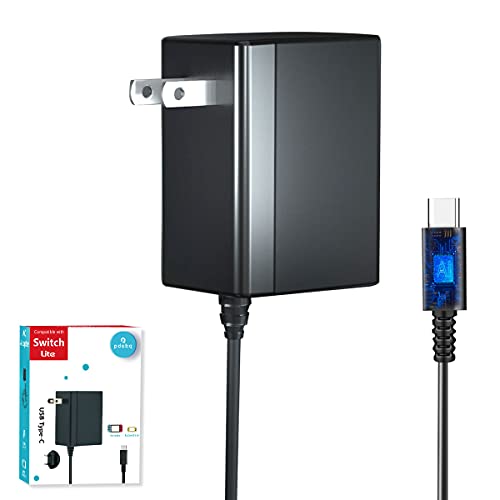
Charger for Nintendo Switch with 5FT Charging Cable, AC Power Supply Adapter for Nintendo Switch/LITE/OLED Work as Original Charger, Support Switch TV Dock Mode Output 15V2.6A USB C Chargers
Charger for Nintendo Switch – USB type c charger for nintendo switch and lite and oled, compatible with…
As an affiliate, we earn on qualifying purchases.
As an affiliate, we earn on qualifying purchases.
Conclusion
To keep your trip smooth, always double-check your charging habits—avoid overloading outlets and unplug devices when not in use. Carry a portable charger and plan your charging schedule to prevent surprises. Remember, “A stitch in time saves nine,” so addressing small charging mistakes early can save you from bigger issues later. Stay proactive, and you’ll enjoy your journey without the stress of dead batteries. Safe travels!

Charging Coaster 2 Compatible with Temperature Control Smart Mug 2 and 1, FEFAIA Mug Charger Wireless Charging Dock Base for Temperature Control Smart Travel Mug Accessories, White
【Exclusive Compatibility】 NOTE: THE MUG IS NOT INCLUDED. ONLY fit for our Temperature Control Smart Mug (Gen 1/2,…
As an affiliate, we earn on qualifying purchases.
As an affiliate, we earn on qualifying purchases.

iHealth Neo Wireless Blood Pressure Monitor, Upper Arm Cuff, Bluetooth Blood Pressure Machine, Ultra-Thin & Portable, App-Enabled for iOS & Android
Clinically Validated for Accuracy: The accuracy of iHealth Neo has been thoroughly tested and conforms to relevant certification…
As an affiliate, we earn on qualifying purchases.
As an affiliate, we earn on qualifying purchases.