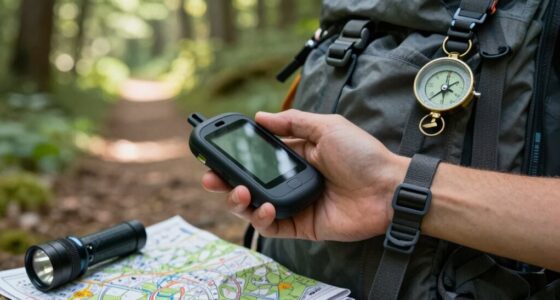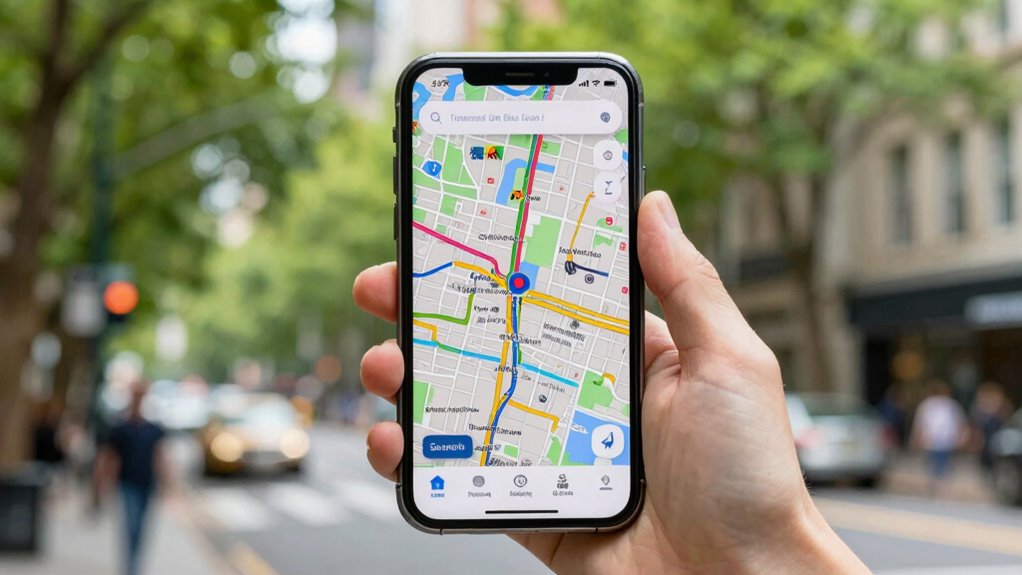

Better map organization makes offline navigation smoother by helping you access essential data quickly and reduce confusion. When map layers are well-categorized and landmarks are clearly labeled, you spend less time searching and more time on the move. Organizing maps by regions, routes, or points of interest lets you customize your view and keep everything relevant at your fingertips. If you want to discover how to optimize your offline navigation further, keep exploring these smart strategies.
Key Takeaways
- Organized map layers and labels enable quick access to relevant information, reducing search time offline.
- Logical hierarchy of data helps users navigate complex areas efficiently without confusion.
- Clear categorization allows seamless switching between terrain, street, and satellite views.
- Well-structured maps minimize errors caused by outdated or cluttered data during offline use.
- Customization of map layers and points of interest enhances user control and navigation confidence offline.
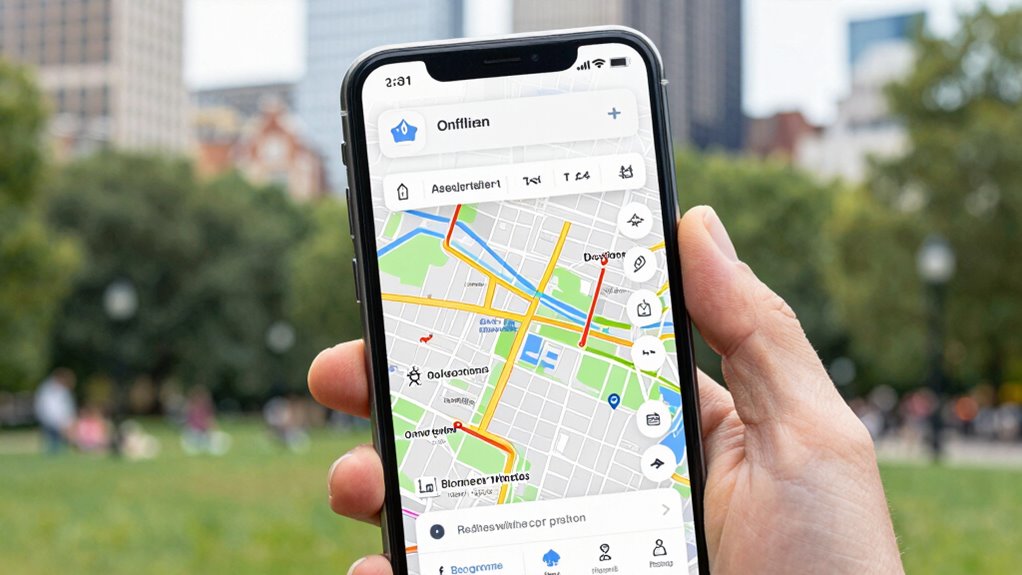
When you rely on online maps, you’re often at the mercy of internet connectivity and frequent updates. This dependency can be frustrating, especially when you’re navigating in remote areas or during network outages. Fortunately, better map organization can make offline navigation more reliable and user-friendly. With well-structured maps stored locally, you gain quick access to crucial data without waiting for downloads or updates. Clear, organized maps reduce confusion, helping you find routes faster and with greater confidence.
One of the key advantages of good map organization is the ability to incorporate real-time updates when you’re back online. These updates can refresh your stored maps with the latest information—such as new roads, closures, or changes—ensuring that your offline navigation remains accurate. When you sync your maps regularly, you benefit from the improvements without sacrificing the convenience of offline use. This seamless integration of real-time updates into your organized map system enhances overall accuracy, making your navigation safer and more efficient.
Regularly sync your maps to seamlessly update offline data, ensuring accuracy and safety on every journey.
User customization plays a vital role in making offline navigation easier. By tailoring maps to your specific needs—highlighting favorite routes, points of interest, or avoiding certain areas—you create a personalized navigation experience. Customization also means you can organize maps by regions, types of roads, or travel purposes, which streamlines your route planning. When your maps are well-organized and personalized, you spend less time searching for directions, and more time focusing on your journey. This level of control allows you to adapt maps to your preferences, whether you’re commuting daily or exploring new territories.
Good map organization isn’t just about storing data; it’s about structuring it for quick, intuitive access. This involves categorizing map layers, labeling important landmarks, and maintaining a logical hierarchy of information. When maps are thoughtfully organized, even complex routes become easier to manage offline. You can quickly switch between different map views or layers, such as terrain, street maps, or satellite imagery, depending on what’s most helpful for your current needs. Having a well-structured map system reduces cognitive load, making offline navigation smoother and less stressful. Proper map organization can also help prevent errors caused by outdated or cluttered data, further enhancing navigation reliability. Additionally, understanding the principles of data management can significantly improve how maps are organized and accessed.
Ultimately, better map organization transforms offline navigation from a potential challenge into a reliable tool. You can enjoy the freedom of traveling without constantly worrying about internet access, knowing your maps are up-to-date and tailored to your preferences. By leveraging organized maps that incorporate real-time updates and user customization, you stay confident and in control, no matter where your journey takes you.

Gps Navigation App offline
>Voice search Gps routes & navigation
As an affiliate, we earn on qualifying purchases.
As an affiliate, we earn on qualifying purchases.
Frequently Asked Questions
How Do I Update Maps Offline Regularly?
To update maps offline regularly, follow your device’s map update procedures, which often involve downloading updates through a computer or SD card. Check the offline update frequency recommended by the manufacturer to keep your maps current. You might need to connect your device to Wi-Fi temporarily or use a computer to transfer updates, ensuring your navigation stays accurate without relying on an internet connection.
Can Offline Maps Work Without Internet Access?
You might be surprised, but offline maps do work without internet access. About 80% of travelers rely on offline maps, especially in remote areas. To use them, you need sufficient map storage on your device and make sure your maps are downloaded beforehand. Data encryption keeps your information safe during storage, so your navigation remains private. As long as your maps are downloaded properly, you can navigate confidently without an internet connection.
What Devices Support Advanced Offline Navigation Features?
Many devices support advanced offline navigation features, especially smartphones and dedicated GPS units. You’ll find that device compatibility varies, so check if your device supports navigation customization options like route preferences or points of interest. Modern smartphones with updated apps often offer these features, allowing you to tailor your offline navigation experience. Make certain your device has enough storage and the latest software updates to maximize these capabilities for seamless, customizable offline travel.
How Secure Is My Data With Offline Map Storage?
Your data with offline map storage is quite secure, especially if the app uses data encryption. Encryption protects your information from unauthorized access, giving you peace of mind. However, privacy concerns can arise if the app collects or shares your location data. To stay safe, choose apps that prioritize privacy, read their privacy policies, and make certain they use strong encryption methods to safeguard your offline data.
Are There Limitations to Offline Map Detail Accuracy?
Imagine you’re steering through a rural area with offline maps. Map detail limitations can cause accuracy challenges, such as missing small roads or recent updates. These gaps happen because offline maps rely on periodic updates and simplified data, which may not reflect current conditions. While offline navigation is reliable, you should be aware of potential detail inaccuracies, especially in less-mapped regions, to avoid surprises during your journey.

onX Offroad App – Nationwide Digital Trail Map Membership for Phone, Tablet & Computer – 375K+ Miles of Off-Road Trails, Open/Closed Status, Google Imagery & Offline Maps for All 50 States
375,000+ MILES OF OFF-ROAD TRAILS NATIONWIDE: Access the largest off-road trail database in the country, with over 375,000…
As an affiliate, we earn on qualifying purchases.
As an affiliate, we earn on qualifying purchases.
Conclusion
With better map organization, offline navigation becomes a gentle guiding hand, like a trusted compass softly whispering directions through a quiet forest. As you traverse unfamiliar paths, these streamlined maps act as your steady lantern, illuminating the way with clarity and ease. No longer lost in the shadows of confusion, you’ll find confidence in every turn, knowing your well-structured guides are there to lead you smoothly through the journey ahead.
customizable offline map device
As an affiliate, we earn on qualifying purchases.
As an affiliate, we earn on qualifying purchases.

onX Hunt Premium App – Digital Hunting Map Membership for Phone, Tablet & Computer – Color-Coded Land Ownership, Google Satellite Imagery, 24K Topo Maps & Hunt-Specific Data
DIGITAL HUNTING MAPS FOR YOUR CHOSEN STATE: onX Hunt Premium gives you a full year of detailed digital…
As an affiliate, we earn on qualifying purchases.
As an affiliate, we earn on qualifying purchases.