
To avoid common errors with satellite communication devices, you should regularly check and minimize signal interference from electronic devices, weather, and obstructions. Properly align and calibrate your dish, and keep equipment clean and in good condition. Protect your system from extreme environmental factors and update firmware when needed. Performing routine maintenance and monitoring your setup will greatly improve performance. Keep exploring; you’ll find even more tips to ensure a stable, reliable connection.
Key Takeaways
- Ensure proper dish alignment and regular calibration for optimal signal reception.
- Minimize signal interference by placing equipment in unobstructed, interference-free locations.
- Regularly inspect and maintain cables, connectors, and equipment to prevent deterioration.
- Protect hardware from environmental factors like extreme temperatures and weather conditions.
- Keep device firmware updated and follow manufacturer guidelines for optimal performance.
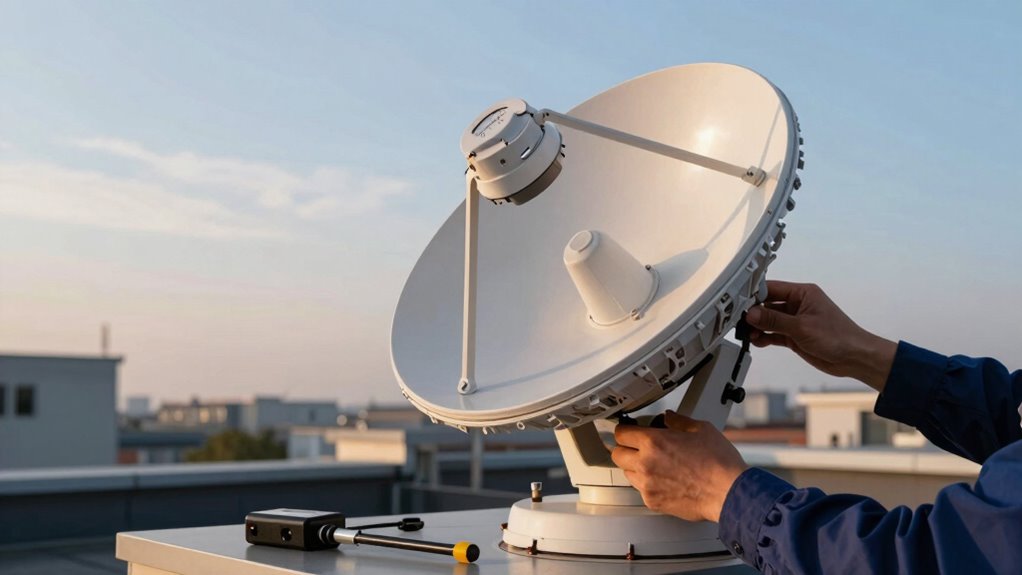
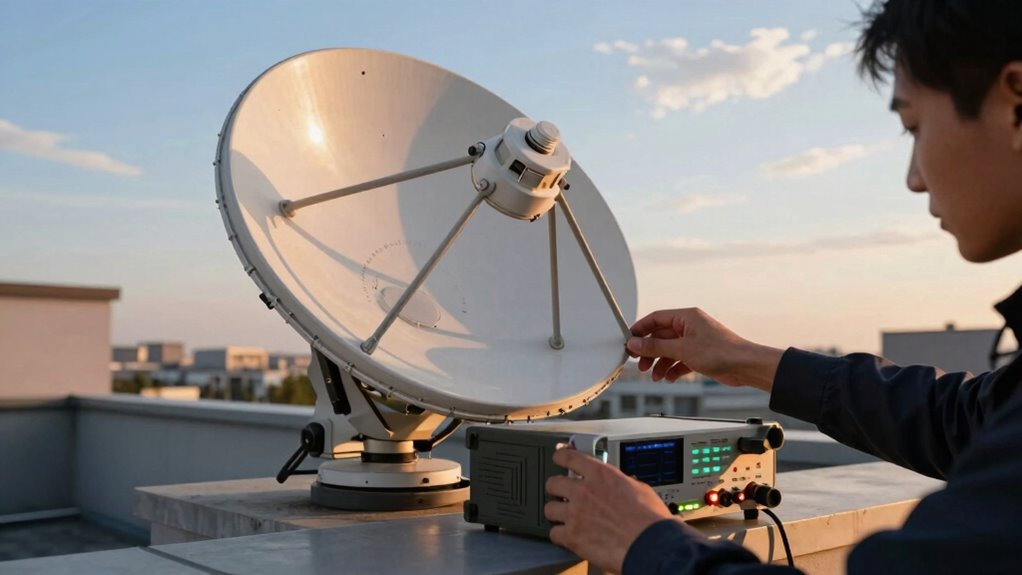
Satellite signal interference is a common culprit behind unexpected signal drops. It occurs when other electronic devices, weather conditions, or physical obstructions disrupt the satellite’s signal path. To minimize this, make sure your antenna is installed in a clear, unobstructed location away from large metal objects, dense foliage, or buildings. Keep an eye on weather forecasts, as heavy rain, snow, or storm clouds can weaken the signal temporarily. Additionally, other electronic equipment like Wi-Fi routers or microwave ovens may emit signals that interfere with your satellite dish. Positioning your satellite dish away from these devices or turning them off during critical communications can help maintain a stable connection. Regularly checking for and eliminating sources of interference is key to avoiding sudden signal loss. Ensuring proper device calibration is also essential for optimal performance. Your satellite dish and receiver need to be properly aligned and calibrated to work efficiently. If they aren’t, you might face weak signals or inconsistent performance. To prevent this, routinely verify that your dish is correctly aimed at the satellite. Use calibration tools or consult your device’s manual to fine-tune the alignment. Also, ensure your receiver settings are optimized for your specific satellite system. Sometimes, updates or firmware upgrades are necessary to keep your device functioning correctly. If you notice persistent problems, recalibrating your device or seeking professional assistance can restore peak performance. Proper calibration ensures that your device is receiving the strongest possible signal, reducing the chances of errors and improving overall reliability. Keeping your equipment in good condition is also vital. Dust, dirt, or corrosion on connectors and cables can degrade signal quality. Regularly inspect and clean your gear, replacing worn or damaged parts promptly. Implementing preventative maintenance practices can help identify potential issues before they cause significant disruptions. Regularly checking your equipment for corrosion or wear is an important part of this process. Furthermore, understanding how environmental factors like temperature fluctuations impact hardware can help you better protect your satellite components. Proper maintenance, combined with correct installation and calibration, helps sustain a strong, reliable satellite connection. Remember, a little proactive effort goes a long way in preventing common errors with satellite communication devices. By paying attention to interference sources, maintaining your equipment, and ensuring accurate calibration, you can greatly reduce disruptions and enjoy seamless communication whenever you need it.
As an affiliate, we earn on qualifying purchases.
Frequently Asked Questions
How Often Should Satellite Devices Be Professionally Maintained?
You should schedule a professional inspection and adhere to a regular maintenance schedule, ideally every six to twelve months. This guarantees your satellite devices operate smoothly and reduces errors. Regular maintenance helps identify potential issues early, keeping your equipment reliable. If you use your satellite communication devices frequently or in harsh environments, consider more frequent inspections. Following a consistent maintenance schedule with professional checks guarantees peak performance and longevity of your devices.
Can Weather Conditions Permanently Damage Satellite Communication Equipment?
Weather can indeed threaten your satellite equipment’s durability, but it rarely causes permanent damage if you’ve invested in weather-resilient gear. Severe storms and relentless exposure might seem intimidating, yet high-quality devices are designed for resilience. Still, don’t underestimate nature’s power—regular inspections and protective measures are essential. With proper care, your satellite communication devices can withstand harsh conditions, ensuring reliable connectivity when you need it most.
What Is the Best Way to Troubleshoot Signal Loss During a Call?
When troubleshooting signal loss during a call, first check for signal interference from nearby electronic devices or obstructions. Make certain your device is properly calibrated, as miscalibration can weaken signals. Restart your satellite device to refresh connections, and verify all cables are secure. If issues persist, consider moving to a different location with a clearer line of sight to the satellite. Regular maintenance and calibration help prevent ongoing signal problems.
Are There Specific Training Programs for Satellite Device Operators?
Did you know that over 80% of satellite communication errors stem from operator mistakes? Yes, there are specific training programs for satellite device operators focusing on satellite safety and proper operation. These programs often include certification processes, ensuring you’re qualified to handle equipment safely and efficiently. Completing such training helps prevent common errors, improves communication reliability, and keeps both you and your equipment safe during operations.
How Do I Upgrade or Replace Outdated Satellite Communication Hardware?
To upgrade or replace outdated satellite communication hardware, first check hardware compatibility with your existing system. Follow the upgrade procedures outlined by the manufacturer to guarantee a smooth shift. You might need to update firmware, reconfigure settings, or replace cables. Always back up your configurations before starting. If unsure, consult technical support or a certified technician to help you navigate the process safely and efficiently.
As an affiliate, we earn on qualifying purchases.
Conclusion
Think of your satellite device as a trusty lighthouse guiding ships through stormy seas. When you avoid common errors—like misalignments or signal obstructions—you keep your lighthouse shining bright, steering clear of dangerous rocks. With careful attention, your communication stays steady, and your message reaches its destination safely. Remember, a well-maintained lighthouse safeguards your voyage, ensuring smooth sailing through the vast ocean of satellite signals. Stay vigilant, and your connection will always find its way home.
satellite receiver firmware update kit
As an affiliate, we earn on qualifying purchases.
As an affiliate, we earn on qualifying purchases.
As an affiliate, we earn on qualifying purchases.