
To create more reliable device habits in remote places, prioritize energy conservation by adjusting settings, closing unused apps, and disconnecting unnecessary networks. Develop routines like charging your devices at set times, using power banks, and downloading essential resources offline. Stay updated on device features that enhance efficiency and troubleshoot issues proactively. Planning ahead and adapting to environmental factors can boost your device’s reliability. Keep exploring these strategies to stay connected and productive regardless of your location.
Key Takeaways
- Establish consistent charging routines aligned with daily activities to prevent unexpected device shutdowns.
- Regularly update device software to improve energy efficiency and reliability.
- Develop habits of closing unused apps and disconnecting from unnecessary networks to conserve power.
- Prepare offline resources and backups to ensure access during limited connectivity.
- Use device management tools to monitor performance and troubleshoot issues proactively.
Establishing consistent device habits in remote locations can be challenging, but it’s essential for maintaining productivity and staying connected. When you’re away from reliable power sources and stable internet, you need to be deliberate about how you manage your devices. Prioritizing energy conservation becomes crucial to ensure your devices last through your work or communication sessions. To do this, you can start by adjusting your device settings—dim the screen brightness, disable background app refreshes, and turn off unnecessary notifications. These small steps help conserve battery life, giving you more time to focus on your tasks without constantly worrying about running out of power.
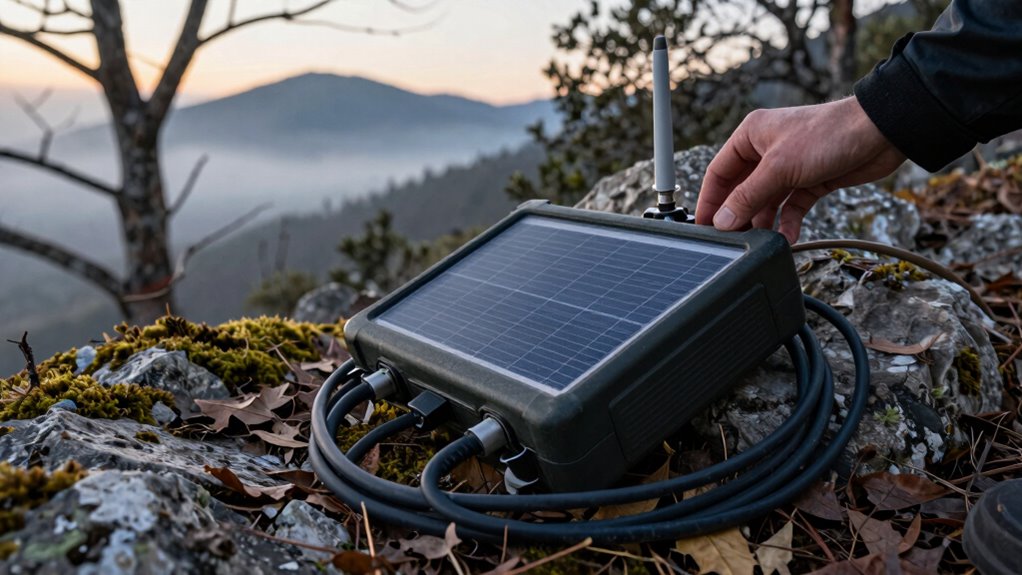
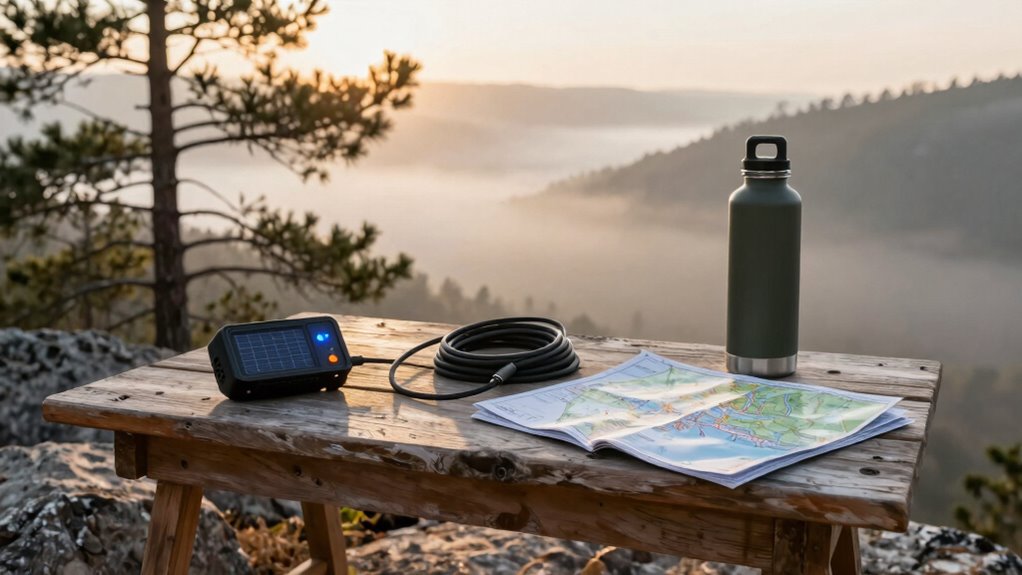
Maintaining connectivity in remote areas requires a proactive approach. You should always have backup options, such as portable Wi-Fi hotspots or offline versions of essential files and apps. Before heading out, download important documents, maps, or reference materials so you can work offline if your connection drops. Investing in a reliable power bank is also a smart move; it allows you to recharge your devices when outlets aren’t available. Remember, the more you plan ahead, the less likely you are to experience interruptions that derail your workflow or communication efforts. Additionally, considering power storage solutions like solar panel storage can help keep your devices charged in off-grid environments. Developing an understanding of your device’s power management features can further enhance your ability to conserve energy.
Another key to creating reliable device habits is establishing a routine. Set specific times to charge your devices and stick to them. For example, if you know your device drains quickly during daytime use, plan to charge overnight or during breaks. Consistency in charging routines helps prevent unexpected shutdowns. Additionally, practice habitually closing unused apps and disconnecting from unneeded networks to reduce battery drain and prevent unnecessary data usage. These practices not only conserve energy but also help maintain a stable connection when you need it most. Incorporating device management strategies like regular software updates can further optimize device performance and energy efficiency. The more attentive you are to these small details, the more reliable your device habits become, ensuring you stay productive and connected regardless of your environment. Staying informed about technology updates and features can also help you troubleshoot issues more effectively in remote settings. The more attentive you are to these small details, the more reliable your device habits become, ensuring you stay productive and connected regardless of your environment.

INIU Portable Charger, Smaller & Lighter 45W Fast Charging with Attached USB C Cable, 10000mAh Flight-Safe PD Power Bank Battery Pack, Travel Phone Powerbank for iPhone 17 16 15 Samsung S25 Google etc
40% Smaller, 36% Lighter: Powered by the industry’s first TinyCell high-density battery technology, this ultra-compact 10,000mAh power bank…
As an affiliate, we earn on qualifying purchases.
As an affiliate, we earn on qualifying purchases.
Frequently Asked Questions
How Do I Troubleshoot Device Issues in Remote Areas?
When troubleshooting device issues in remote areas, start by performing basic device maintenance, like cleaning ports and checking connections. Use troubleshooting guides specific to your device to identify common problems. If issues persist, restart your device or reset settings. Keep spare parts or tools handy, and consult online resources or support forums if connectivity permits. Staying prepared guarantees you can resolve most issues efficiently, even without immediate professional help.
What Backup Power Options Are Best for Remote Device Use?
Think of backup power as your device’s lifeboat in a storm. You should prioritize solar charging for sustainability and convenience, especially in remote areas. Pair this with high-capacity batteries to extend battery longevity, ensuring your device stays operational longer. Portable solar panels are excellent, reliable options that harness nature’s energy. Together, they create a resilient power system, keeping your device alive and functional no matter how remote your location.
How Can I Improve Internet Connectivity in Remote Locations?
To improve internet connectivity in remote locations, consider investing in satellite internet, which provides coverage where traditional networks don’t reach. Additionally, using signal boosters can amplify your existing connection, making it more stable and faster. Position your satellite dish correctly and verify your signal booster is compatible with your setup. Regularly check and maintain your equipment to keep your connection reliable, so you stay connected no matter where you are.
Are There Specific Apps to Enhance Remote Device Reliability?
Yes, there are apps that can enhance remote device reliability. Use cloud synchronization apps like Google Drive or Dropbox to guarantee your data stays updated and accessible even if your device disconnects. Also, regularly update your apps through their update features to fix bugs and improve stability. These tools help maintain consistent performance, making your device more reliable in remote locations where connectivity can be unpredictable.
How Do I Secure My Devices in Remote, Isolated Environments?
Think of your devices as treasure chests in a wild jungle. To secure them, choose rugged, weatherproof models built for durability and keep them in sturdy cases. Enable theft prevention features like tracking and remote wipe, and always keep backups of essential data. Use secure passwords and avoid public Wi-Fi. These steps make sure your devices stay safe, durable, and protected from theft, even in the most isolated environments.
solar panel portable charger
As an affiliate, we earn on qualifying purchases.
As an affiliate, we earn on qualifying purchases.
Conclusion
By forging strong device habits, you turn your remote environment into a well-oiled machine. Think of it as planting seeds—consistent care yields reliable growth. When you stick to routines and stay proactive, your devices become trustworthy allies rather than unpredictable foes. Remember, the key to success isn’t just in the tools you use but in the habits you nurture. With persistence, you’ll see your remote world flourish—proof that resilience turns chaos into harmony.
offline maps and document download tools
As an affiliate, we earn on qualifying purchases.
As an affiliate, we earn on qualifying purchases.
mobile Wi-Fi hotspot device
As an affiliate, we earn on qualifying purchases.
As an affiliate, we earn on qualifying purchases.